



SEO · 8 min read · 15 May 2026
Not showing up on Google Maps? The local SEO checklist nobody gives you
Your competitor shows up on Google Maps for every search and you don't. The checklist I use to fix local SEO for Mumbai businesses, from Google Business Profile to citations to reviews.

On this page
- Why Google Maps rankings matter more than you think
- The Google Business Profile audit
- 1. Is your profile actually verified?
- 2. Is your primary category correct?
- 3. Is your business name clean?
- 4. Are your hours accurate?
- 5. Do you have the right service area?
- The five things actually keeping you off the Map
- Problem 1: NAP inconsistency
- Problem 2: No reviews (or no recent reviews)
- Problem 3: No website or a website that doesn't match
- Problem 4: No local citations
- Problem 5: No location signals on your website
- The local SEO checklist
- How long until you show up?
- When to get help
A restaurant owner in Andheri called me. His place has been open for three years, it has great reviews on Zomato, and it’s packed on weekends. But when someone searches “restaurant near Andheri West” on Google Maps, his competitor two streets away shows up and he doesn’t.
I’ve heard the same story from a dentist in Bandra, a CA firm in Powai and a yoga studio in Jogeshwari: a good business that Google Maps can’t seem to find. Nobody tells them why. They just get pitched “SEO packages.”
So here’s the problem, broken down.
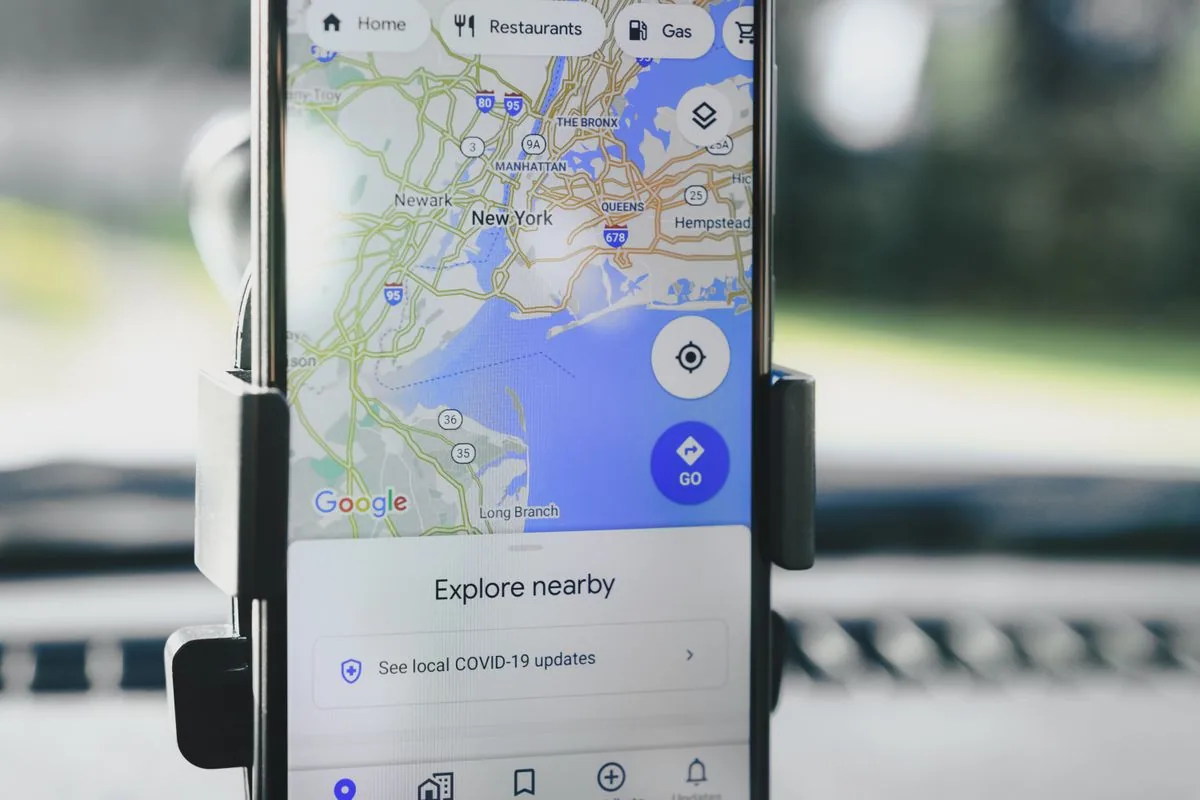 If a customer searches for what you sell in your area and you’re not on the map, you can fix that. It isn’t bad luck.
Why Google Maps rankings matter more than you think
For a local business, Google Maps works as your homepage. The data:
- 46% of all Google searches have local intent
- 76% of people who search for something nearby visit within 24 hours
- 88% of local mobile searches result in a call or visit within a day
- The Map Pack (the 3 listings that appear at the top) captures the majority of clicks for local queries
If you’re not in the Map Pack for your main keywords in your area, you lose customers every day to competitors who are. These are people searching for exactly what you sell, within walking distance, and finding someone else.
The Google Business Profile audit
Your Google Business Profile (GBP) is the biggest single factor in local search rankings. Check these first.
1. Is your profile actually verified?
It sounds obvious, but I’ve found unverified profiles for businesses that assumed they were set up. Go to business.google.com and confirm your verification status. Unverified profiles rarely appear in Maps results.
2. Is your primary category correct?
This is the #1 ranking factor for local SEO. Google gives you one primary category and several secondary ones.
The mistakes I see most:
- A digital marketing consultant listed as “Marketing agency,” when “Marketing consultant” is more specific
- A physiotherapist listed as “Hospital,” which is far too broad
- A CA firm listed as “Financial consultant.” That’s correct, but “Chartered accountant” is more specific and matches how people search.
To check, search your main keyword on Google Maps, see which category the top 3 results use, and use that one.
3. Is your business name clean?
Your GBP name should be your real-world business name. Not “Shezad Ali Khan | Best Digital Marketing Expert in Mumbai | SEO | Web Design | Trainer.” Google penalises keyword stuffing in business names, and it’s against their guidelines, so it can get your listing suspended.
4. Are your hours accurate?
Businesses with wrong hours get marked “permanently closed” by user reports or by Google’s automated systems. If your hours changed after COVID and you never updated them, fix this today.
5. Do you have the right service area?
If you go to your customers (plumber, electrician, consultant), set a service area. If customers come to you (restaurant, clinic, salon), set your address. Mixing these up confuses Google about which searches to show you for.
The five things actually keeping you off the Map
Problem 1: NAP inconsistency
NAP means Name, Address, Phone number. Google cross-checks your business information across the internet. If your GBP says “A-704, Crystal Park CHS,” Justdial says “704-A Crystal Park” and IndiaMART says “Crystal Park, Flat 704,” Google can’t tell which is correct and trusts your listing less.
Fix: Pick one exact format for your business name, address and phone number, and use that exact format everywhere: GBP, website footer, Justdial, Sulekha, IndiaMART, Facebook, Instagram, LinkedIn.
Problem 2: No reviews (or no recent reviews)
A business with 8 reviews from 2023 loses to a competitor with 45 reviews from the last 6 months. Recency and volume both matter.
A review system that works:
- Ask every happy customer for a Google review. Specifically Google, not Justdial or Facebook.
- Send them the direct review link (search “Google review link generator” to create yours)
- Reply to every review, positive and negative, within 48 hours
- Never buy fake reviews. Google’s detection is better than you think, and a suspension kills your listing entirely.
Problem 3: No website or a website that doesn’t match
Google checks whether your GBP information matches your website. If your site doesn’t mention your city, your address or your services, Google is less sure you’re relevant locally.
At minimum, your website needs:
- Business name, address, and phone number in the footer of every page
- A dedicated contact page with an embedded Google Map
- Service pages that mention your location naturally (“digital marketing consultant in Mumbai”)
LocalBusinessschema markup with your exact GBP information
Problem 4: No local citations
Citations are mentions of your business on other websites, such as directories, industry listings and local portals. For Mumbai businesses, these are the ones that count:
| Platform | Priority | Notes |
|---|---|---|
| Google Business Profile | Essential | Your primary listing |
| Justdial | High | Still the top Indian directory for local discovery |
| Sulekha | High | Strong for service businesses |
| IndiaMART | Medium | B2B and service providers |
| Facebook Business | High | Google indexes this |
| LinkedIn Company Page | Medium | Trust signal |
| Bing Places | Medium | Lower volume but free |
| Apple Maps | Medium | iPhone users default to this |
| Your industry directory | High | Whatever your trade association runs |
More consistent citations mean more trust, which means a higher Maps ranking. Ten citations with identical NAP beat fifty with variations.
Problem 5: No location signals on your website
Your website has to tell Google where you operate:
- Location-specific pages if you serve several areas (e.g., /services/andheri/, /services/bandra/)
- Local content, like blog posts about local events, case studies from specific areas and mentions of neighbourhoods
- Schema markup with geo-coordinates, service areas and business address
- An embedded Google Map on your contact page. It has to be the actual embed, because an image of a map doesn’t count.
The local SEO checklist
The full checklist, in priority order:
Week 1: Foundation
- Verify Google Business Profile
- Set correct primary category (research competitors first)
- Clean business name (remove keyword stuffing)
- Add complete business description (750 characters, include services and areas)
- Upload 10+ real photos (storefront, interior, team, work in progress)
- Set accurate hours and service area
- Add all services with descriptions
Week 2: Website alignment
- Add NAP to website footer (exact match to GBP)
- Create/update contact page with embedded Google Map
- Add LocalBusiness schema to homepage
- Create service pages mentioning your city/area
- Verify canonical URL in GBP matches your actual website URL
Week 3: Citations
- Claim and standardise Justdial listing
- Claim and standardise Sulekha listing
- Create/update Facebook Business page
- Create/update LinkedIn Company page
- Claim Bing Places listing
- Submit to 5 industry-specific directories
Week 4+: Reviews & content
- Set up a review request process (post-sale email or WhatsApp message)
- Respond to all existing reviews
- Publish one local-focused blog post per month
- Add Google Posts weekly (events, offers, updates)
- Upload new photos monthly
How long until you show up?
The honest timeline:
- Verified GBP with correct category: 1–2 weeks to start appearing
- Citations built and consistent: 4–6 weeks for Google to process
- Review velocity established: 2–3 months to build meaningful volume
- Consistent local content: 3–6 months before the effect compounds
Most local businesses start showing up in the Map Pack for less competitive terms within 4–6 weeks of doing the foundation work. Competitive terms (“dentist in Bandra” or “CA in BKC”) take 3–6 months.
When to get help
You can do 80% of this yourself. The GBP setup, citations and review process are manual but straightforward. (If you’d rather hand it off, this is one of the few things my agency offers as a fixed-price service, because the work follows a checklist and shouldn’t need a monthly retainer.)
Get help when:
- You operate in multiple locations and need a system that scales
- You’re in a very competitive local market and need schema, content and citations working together
- Google has suspended or penalised you
- You’ve done the basics for 6 months and still don’t appear
Local SEO is a checklist you work through consistently. The businesses that show up on Maps are rarely the best ones. They’re the ones that bothered to tell Google they exist.
Once you ARE showing, the Google Business Profile playbook covers the next level: what moves your rank inside the pack. And if you’d rather have it done and verified, local SEO is a fixed-quote service; my own profile holds #1 in the Mumbai pack for my category, so you can check the method works.
- #local-seo
- #google-maps
- #google-business-profile
- #mumbai
- #small-business